UPDATE: Computer overheating issues have surged as summer heat intensifies, leaving many users scrambling to check their PC’s CPU temperatures. If your device is shutting down unexpectedly or lagging during demanding tasks, your CPU may be overheating. With new reports confirming a lack of built-in Windows tools to monitor CPU temperatures, users must rely on third-party software to prevent potential hardware damage.
Experts recommend using **Core Temp**, a straightforward application that allows users to easily check their CPU’s current temperature. Just released, the latest version of Core Temp provides average temperature readings for each CPU core, making it essential for anyone using high-performance processors like the **Ryzen 7 9850X3D**. Users are advised to be cautious during installation; the program often tries to install additional software unless specific boxes are unchecked.
A more in-depth alternative is **HWInfo**, which offers detailed monitoring capabilities. It provides essential information for all PC components, including a dedicated CPU temperature section. This is crucial for users who might not realize their system is overheating, particularly during heavy usage.
For those seeking a sleek interface, **NZXT’s Cam** software is a popular choice, offering not just CPU temperatures but also graphics card and memory metrics. Its mobile app allows users to monitor temperatures on-the-go, making it ideal for tech enthusiasts who need constant updates.
If your CPU temperature readings are consistently high, it’s critical to act fast. **PCWorld** emphasizes the importance of cleaning dust and debris from fans and vents, which can significantly hinder cooling performance. Regular maintenance is essential, especially during the hot months.
What’s a safe CPU temperature? Experts recommend keeping CPU temperatures under **60° C** for optimal performance. Temperatures between **60° C and 70° C** are acceptable but could indicate a need for cleaning. Anything above **70° C** warrants immediate attention; check fans and airflow. If temperatures exceed **90° C**, users are advised to shut down their systems to prevent severe damage.
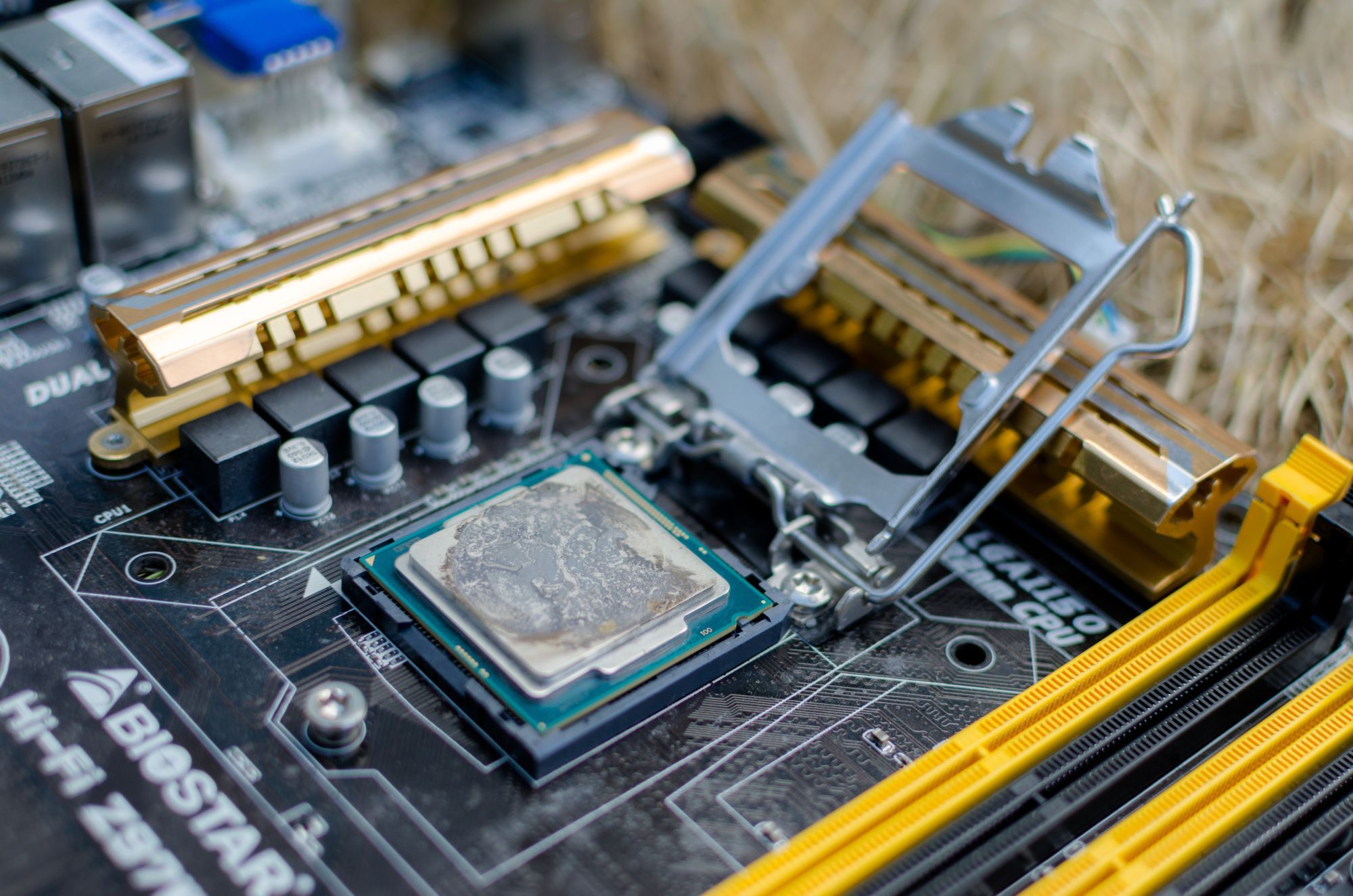
For users facing persistent overheating, replacing thermal paste can dramatically improve cooling efficiency. Over time, thermal paste can dry out, leading to higher temperatures. Affordable options like **Arctic Silver 5** are available on **Amazon** for under **$10**.
If all else fails, upgrading to a better cooling solution might be necessary. Reliable options include the **Cooler Master Hyper 212**, priced at **$26**, offering solid performance for most builds, or the **Noctua NH-D15** for those seeking top-tier cooling, priced around **$130**.
With summer heat peaking, it’s crucial to monitor your CPU temperatures NOW to ensure your system runs smoothly. Don’t wait until it’s too late—check your CPU temp today! Share this information with fellow PC users to help them avoid overheating disasters.