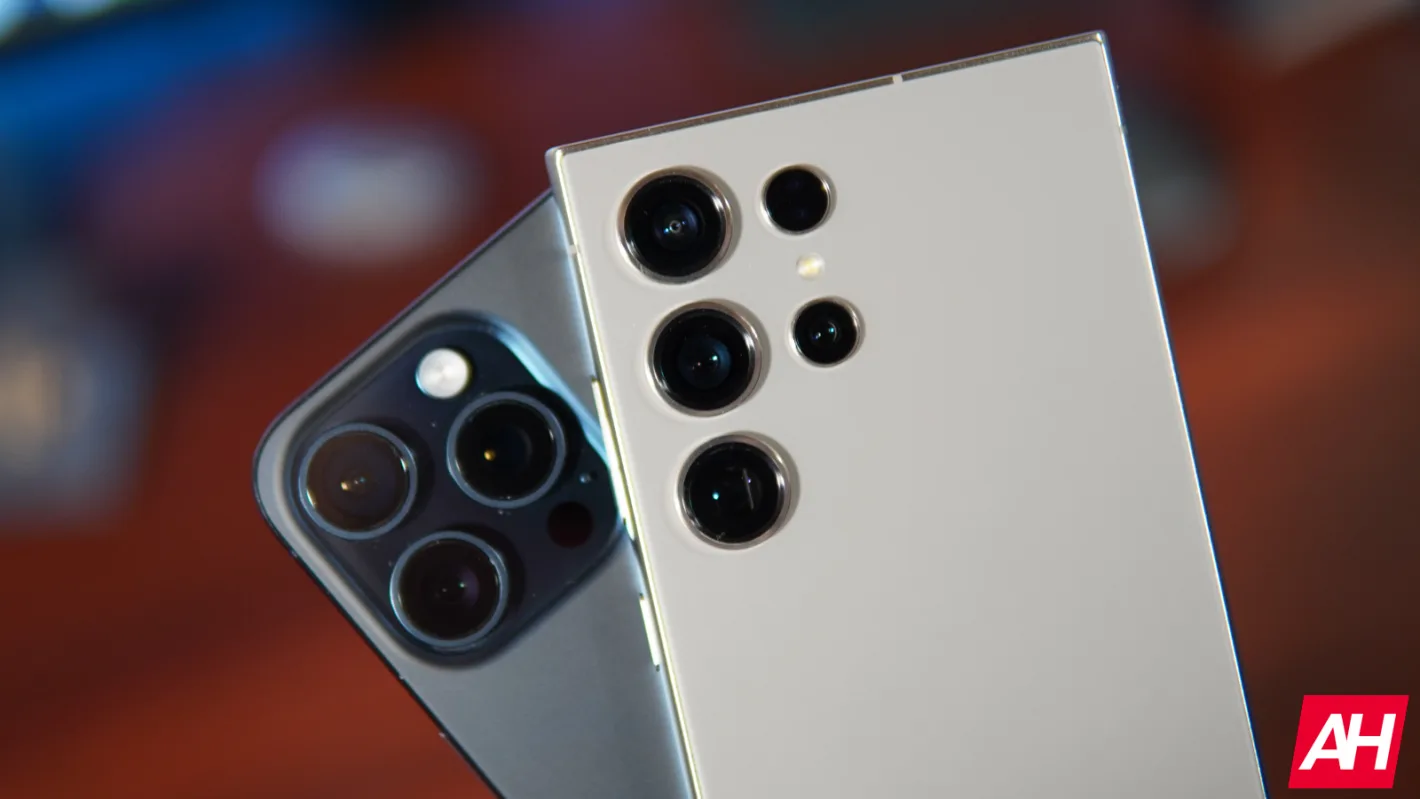
URGENT UPDATE: The highly anticipated iOS 26.3 update is here, revolutionizing how users can transfer their data from iPhone to Android devices. This breakthrough simplifies the switch, allowing users to move their data with unprecedented ease.
For years, transitioning from an iPhone to an Android felt like a daunting challenge. However, Apple has now introduced a native feature called “Transfer to Android,” directly accessible in your iPhone’s Settings menu. This means no more reliance on third-party apps that often struggle with large data transfers. Users can now simply place their iPhone next to their new Android device, and the transfer process will commence automatically.
With iOS 26.3, users can migrate vital data such as photos, messages, notes, and even their phone numbers directly to Android. This is a game-changer for those who have felt constrained by their data on Apple’s ecosystem. While it’s important to note that Apple Health data and Bluetooth pairings will not transfer due to security protocols, the ability to move years of text history and cherished memories is a significant win for users looking to switch platforms.
This update is not just a one-way street. The Android phone receiving the data must support Google’s latest Data Transfer API. Currently, Pixel users can take advantage of this feature, with support from other manufacturers expected to roll out shortly.
In addition to the transfer feature, iOS 26.3 enhances how iPhones interact with non-Apple devices. The update introduces “notification forwarding” for third-party wearables, like Wear OS smartwatches. This means iPhone users can now share notifications with their preferred smartwatch, although only one accessory can receive notifications at a time. Enabling this feature for an Android-based watch will disable notifications for the Apple Watch, marking a notable shift in Apple’s traditionally closed ecosystem.
Privacy also takes center stage in this update. Users will now find a “Limit Precise Location” toggle for newer iPhone models, adding an extra layer of privacy by concealing exact coordinates from cellular carriers.
While iOS 26.3 may not boast flashy new emojis or visual overhauls, its implications for user freedom and choice in technology are monumental. For any iOS user contemplating a switch to a flagship Android phone, the path has just become significantly smoother.
Stay tuned for further updates as Apple continues to expand interoperability and enhance user experience across platforms. This is a pivotal moment for tech enthusiasts and everyday users alike, making the transition from iOS to Android easier than ever before.